Get your information together.
Business Information & Digitization
Business files, paper records and employee knowledge, organized into a system your team can use. We make the records and knowledge your business runs on easier to find, use and maintain.
Sounds familiar?
- The shared drive: folders inside folders, “final_v3_REAL,” and only one person can find anything.
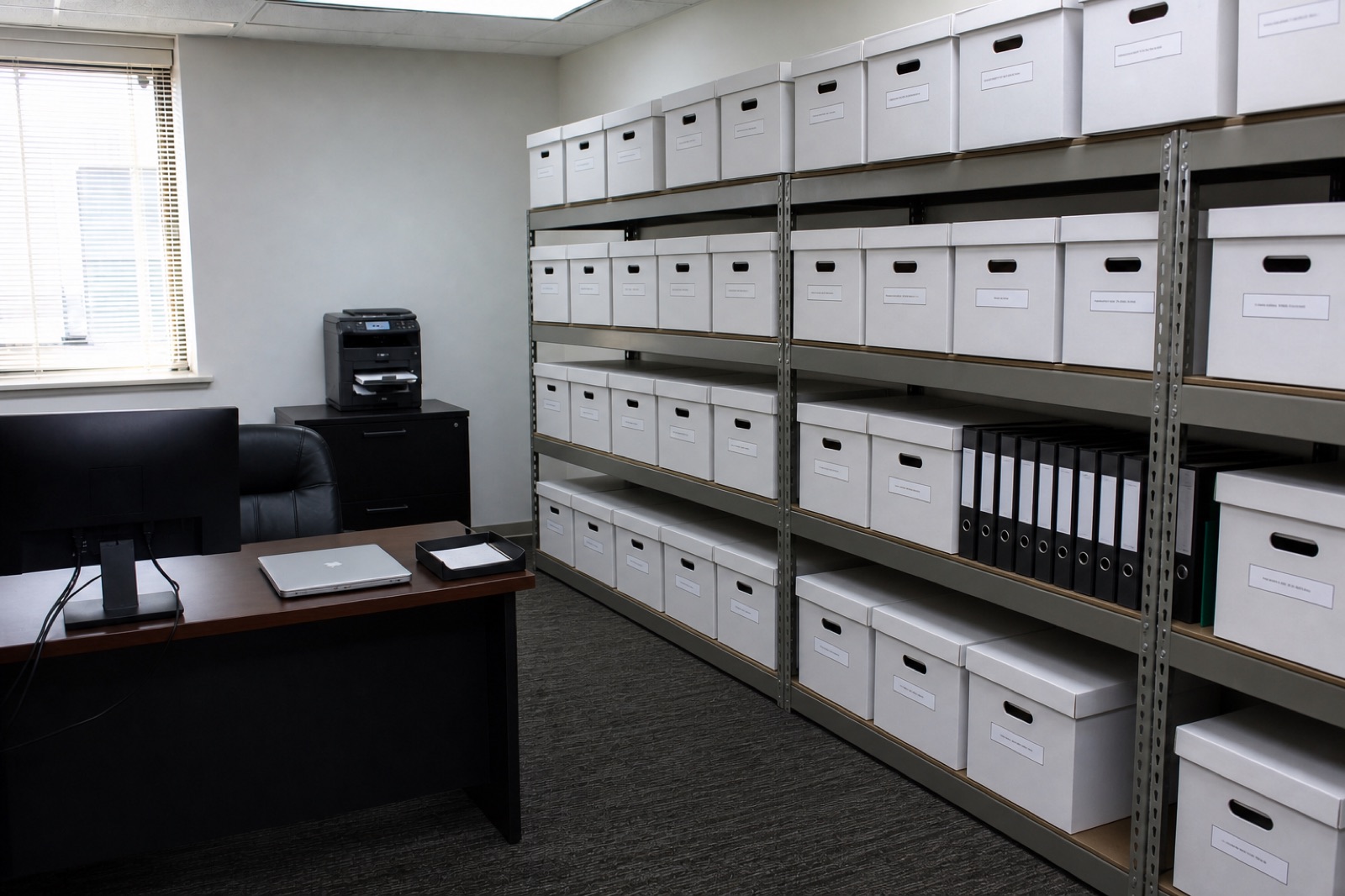
- Years of paper files and boxes nobody wants to open.
- Customer details spread across spreadsheets, inboxes and phones.
- The “just ask Linda” questions, because how things get done isn’t written down.
- The audit or tax scramble: days to pull records that should take minutes.
What does this look like?
Illustrative example · A local service business with years of scattered job records.
The starting point
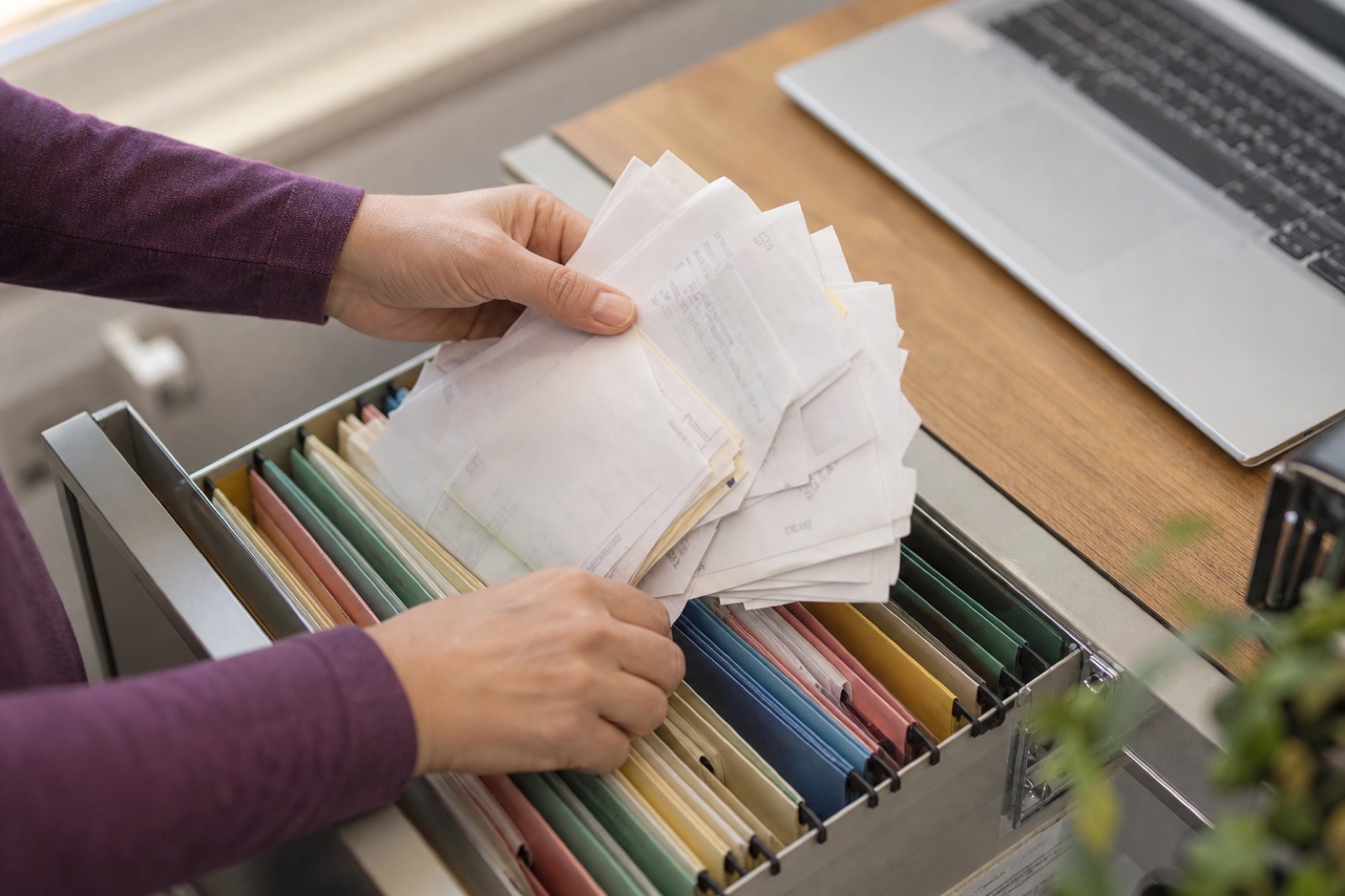
Signed forms live in filing cabinets, job photos on phones and customer details in several spreadsheets. When a customer calls about an older job, someone searches three places or asks the owner.
What we do together
- Agree which records the team needs most, and how they need to find them.
- Sort the paper and digital records. Scan and index the agreed paper files, and fix duplicates with you.
- Set one way to name and file new records, and walk the team through it.
What you receive
- An organized digital collection of the agreed records
- Searchable scans and a clear customer and job filing structure
- Simple instructions for keeping it that way
What daily use looks like
A customer calls. The office opens that customer’s job folder and finds the documents and photos together. AI is optional; the organized information is useful on its own.
What’s the difference between scanning and organizing records?
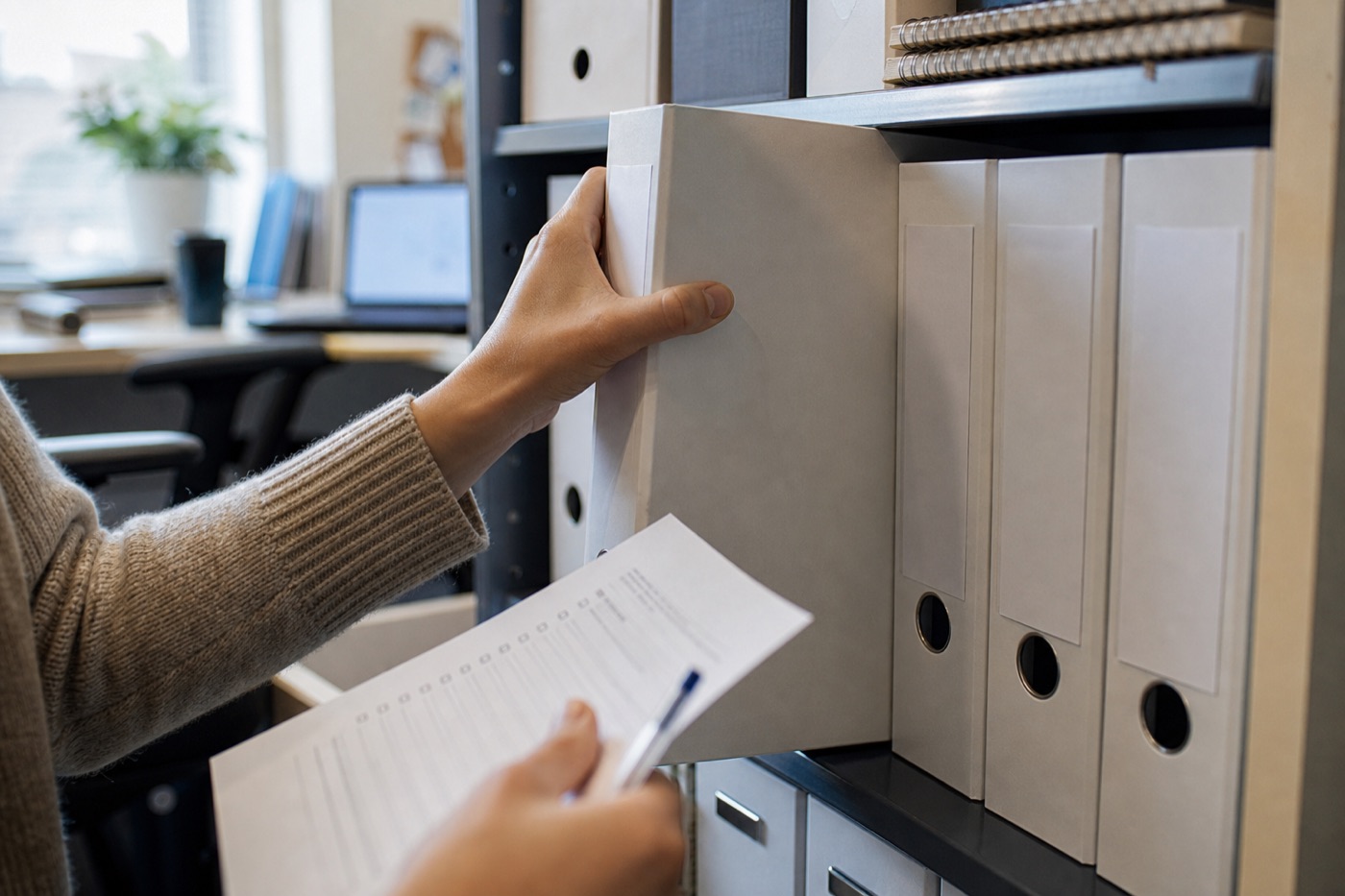
Scanning makes a digital copy. Organizing decides what each record is, where it belongs, how people find it and who keeps it current. A project can do both: sort the paper, scan and index agreed files, then set one way to file new ones.
How do we capture what only one employee knows?
We work through recurring tasks with that person and write them up as procedures and checklists. They review the result, and your business names someone to keep it current, so a new hire doesn’t have to depend on one person.
What’s the best way to organize a shared drive?
Agree one folder structure your whole team can guess, one way to name files and one owner for each area. We sort what’s there with you, archive what’s stale and walk the team through the rules so new files land in the right place.